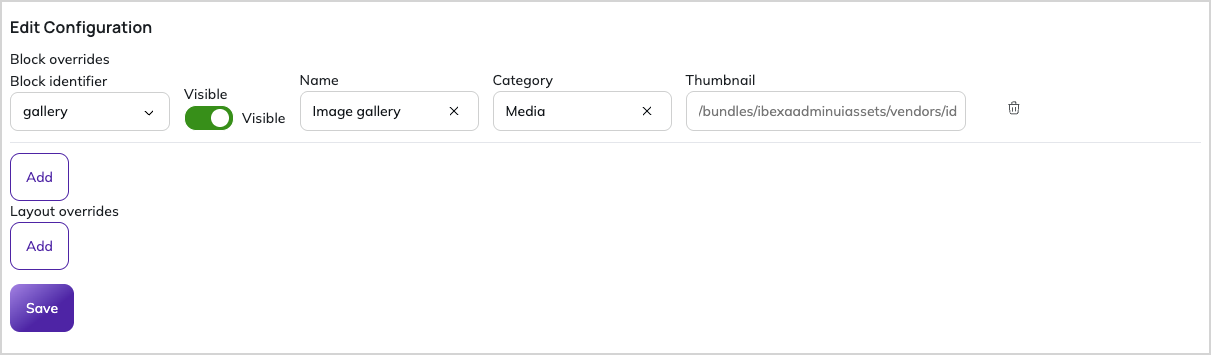
Configuration
To manage the configuration of your Cohesivo sites, go to the SiteAccess Configuration screen in the Administration tab. It exposes settings that you can change directly in the back office, without deploying any code.
On-premise configuration
The Configuration UI replaces the YAML configuration layer you know from on-premise version of Cohesivo.
Configuration scopes
Configuration is SiteAccess-aware, so the same setting can have a different value on each of your sites.
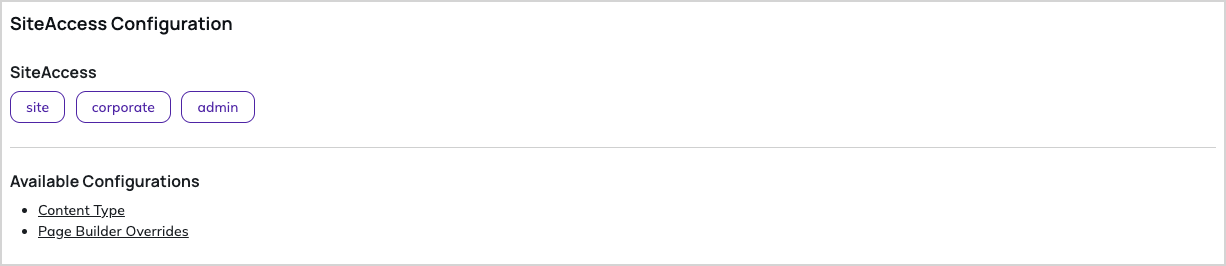
You can set the default configuration, or choose a SiteAccess to configure a specific one:
- To edit the default values, don't select any SiteAccess from the list. Values you set apply for all SiteAccesses unless a SiteAccess overrides them.
- To edit the values for one SiteAccess, select its SiteAccess first. Values saved for a SiteAccess override the default values.
Editing configuration
After you choose an available configuration, follow the displayed instructions to learn more about the given setting and how to configure it. Once you're done, use the "Generated Parameters" section to verify your configuration is correct.